
01
Scrolling wastes time
Long font lists make it difficult to find the right style when you are already deep inside a design.
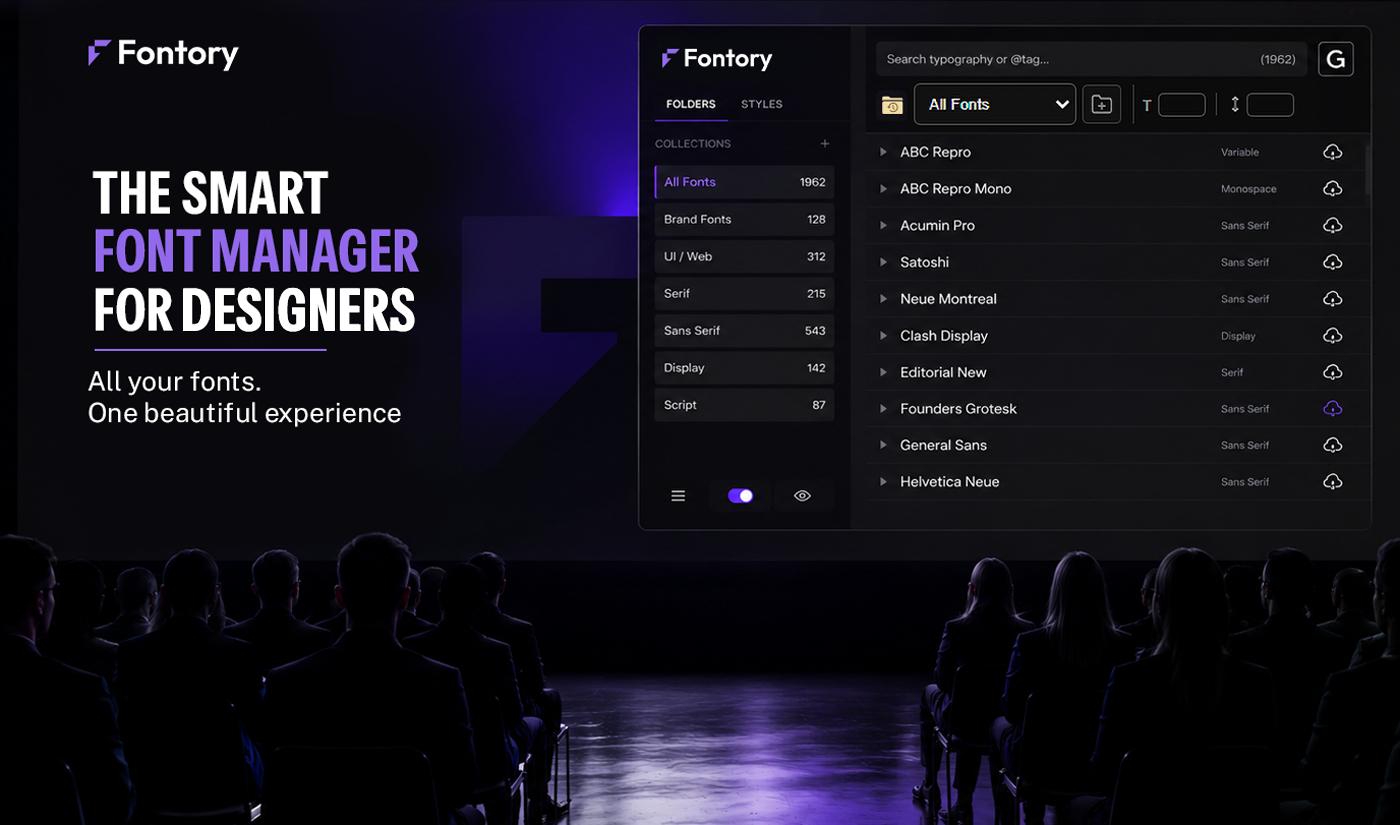
Built for designers who work with hundreds of fonts every day — organize, compare, preview and activate fonts faster inside Illustrator and Photoshop.
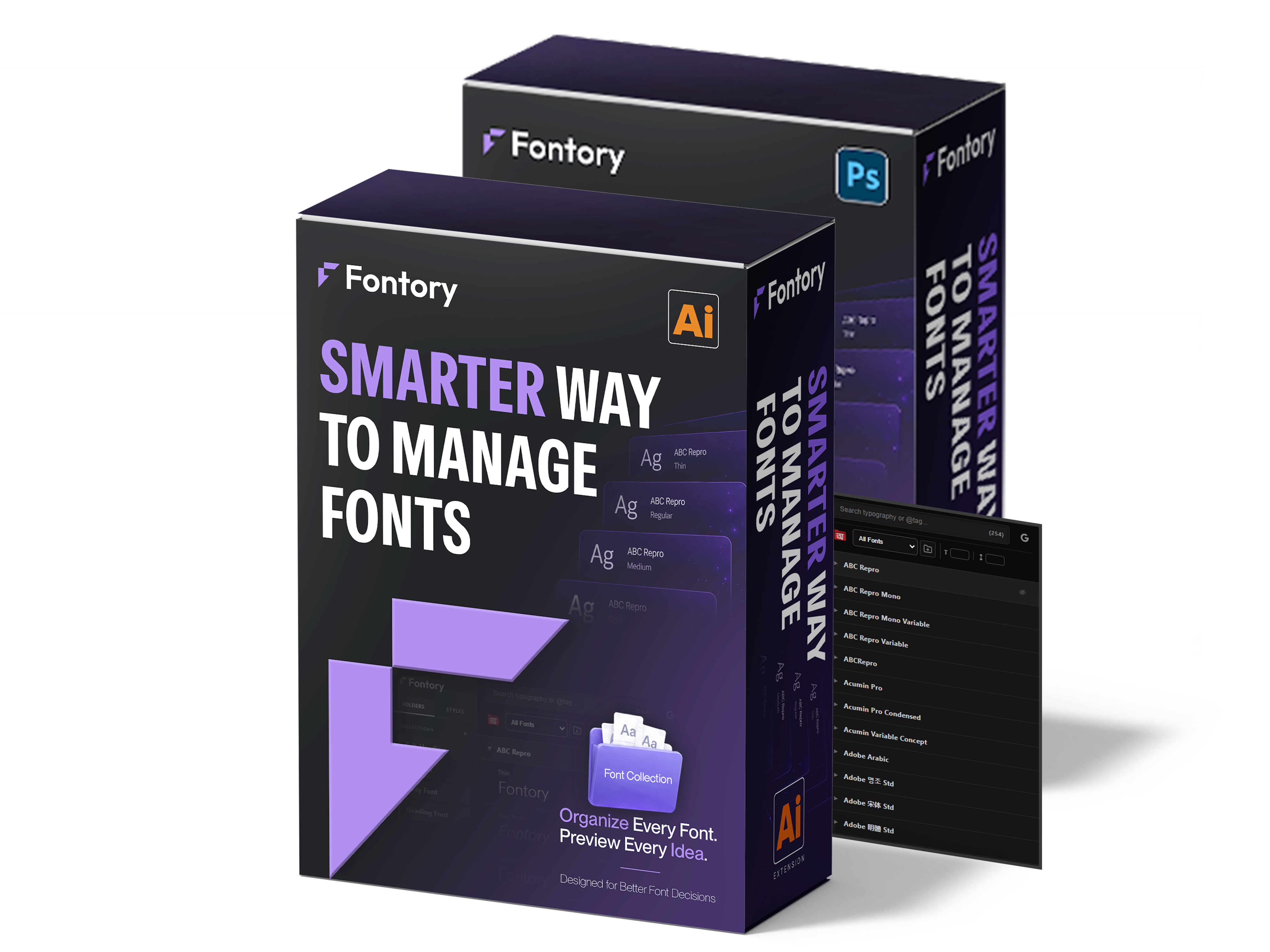
Watch how Fontory helps you organize, preview, compare, and apply fonts faster inside Photoshop and Illustrator.
A quick walkthrough of Fontory's smart font management workflow for creative designers.
Creative work becomes slower when fonts are difficult to organize, preview, and compare.
Long font lists make it difficult to find the right style when you are already deep inside a design.
Designers need to shortlist multiple fonts and compare them side by side before applying.
Without tags, collections, and saved styles, good typography decisions are hard to remember later.
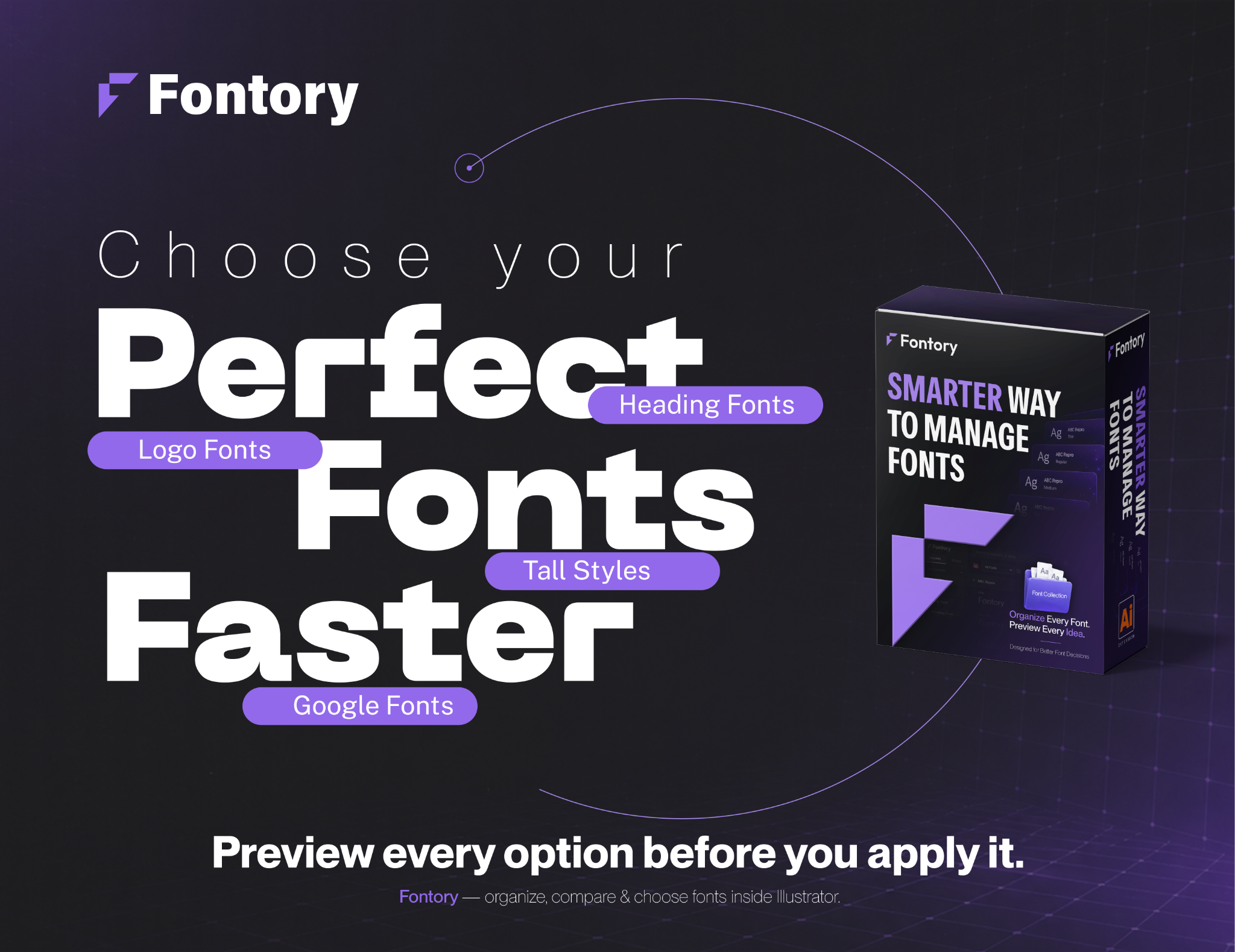
Built for designers who want to move from browsing fonts to making faster typography decisions.

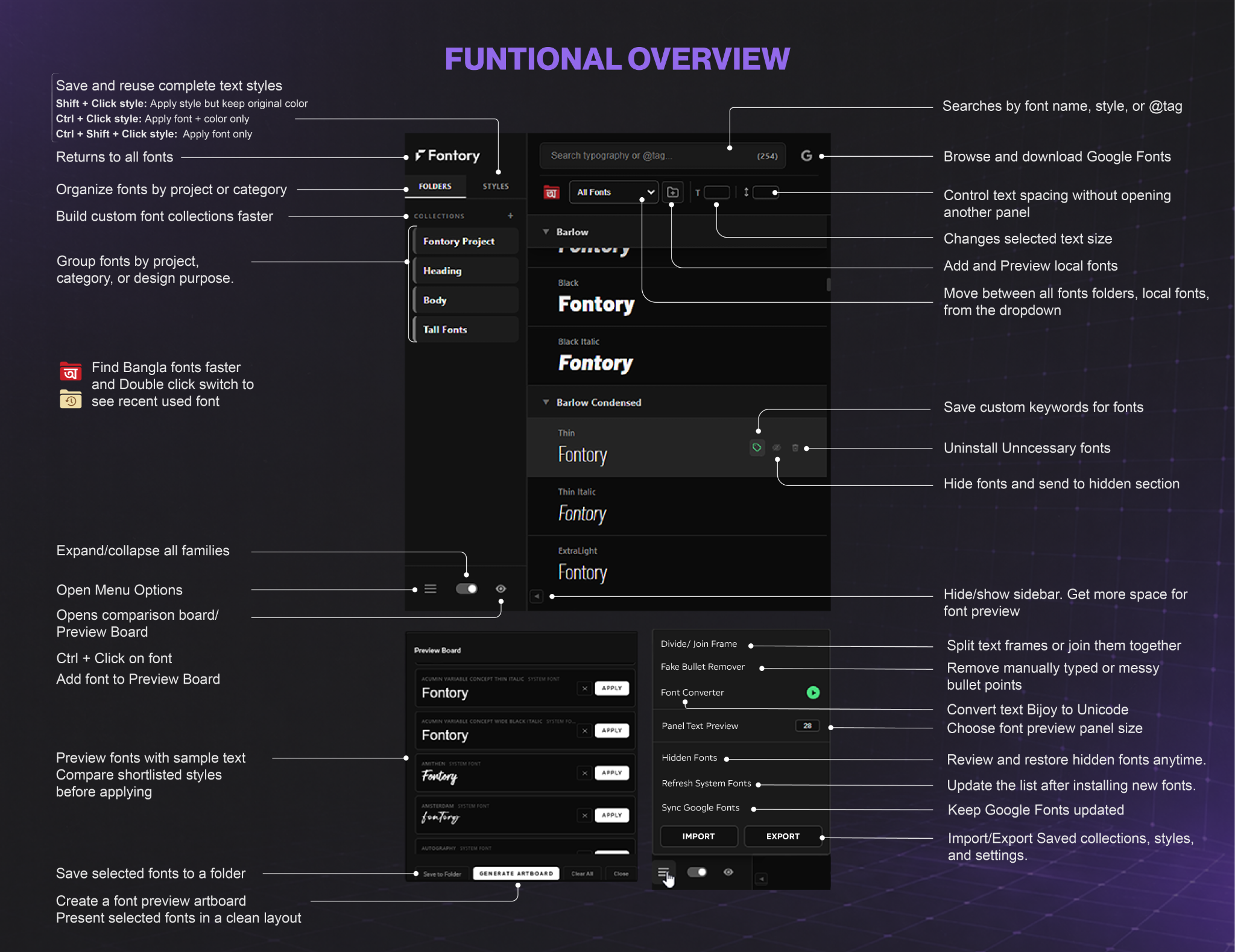
Organize fonts by project, brand, mood, or creative use case.

Preview multiple fonts side by side before making a final choice.

Preview local fonts instantly without installing them first.

Browse and preview Google Fonts directly inside Illustrator.

Find fonts faster using custom tags and searchable keywords.

Focus only on the fonts that matter for you.

Automatically identify and organize Bangla fonts faster.

Convert Bangla text between Unicode and Bijoy instantly.

Access recently used fonts without searching again.

Save and reuse typography styles across multiple text elements.
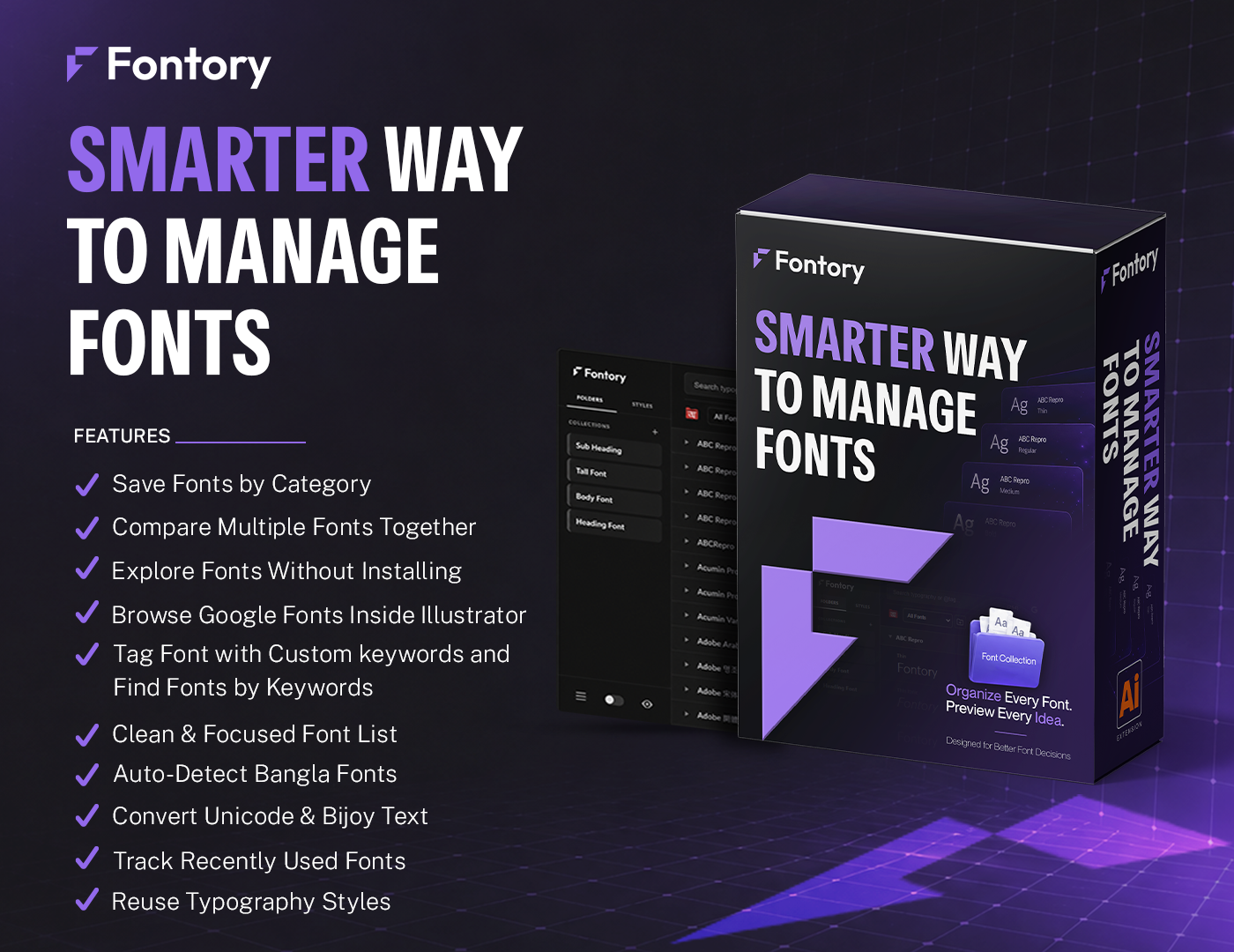
Designed to help designers organize, compare, preview, and choose fonts faster.
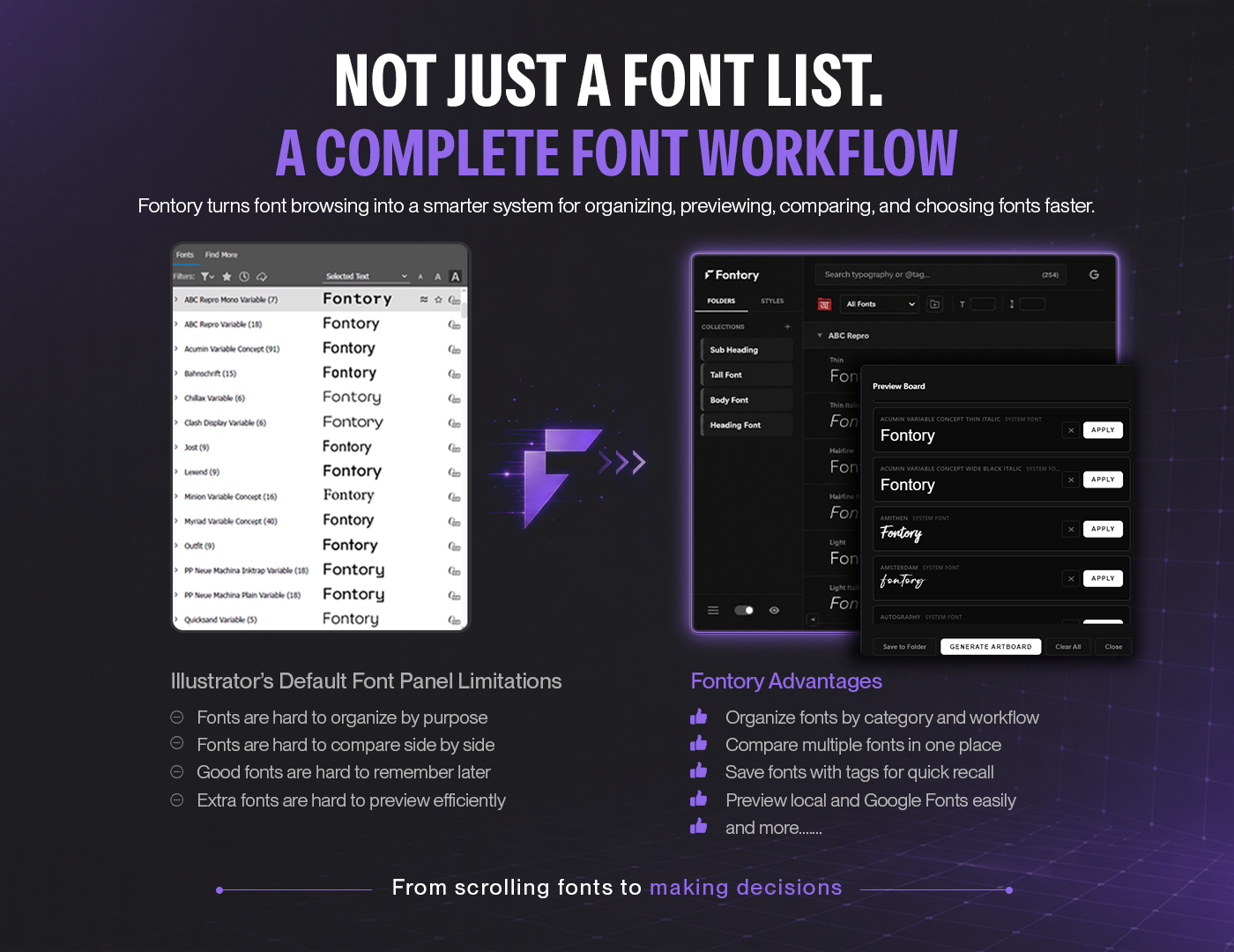
Every section is designed to help designers organize, preview, compare, and apply fonts faster.
Clear answers about font preview, Google Fonts, Bangla font organization, backup transfer, and licensing.
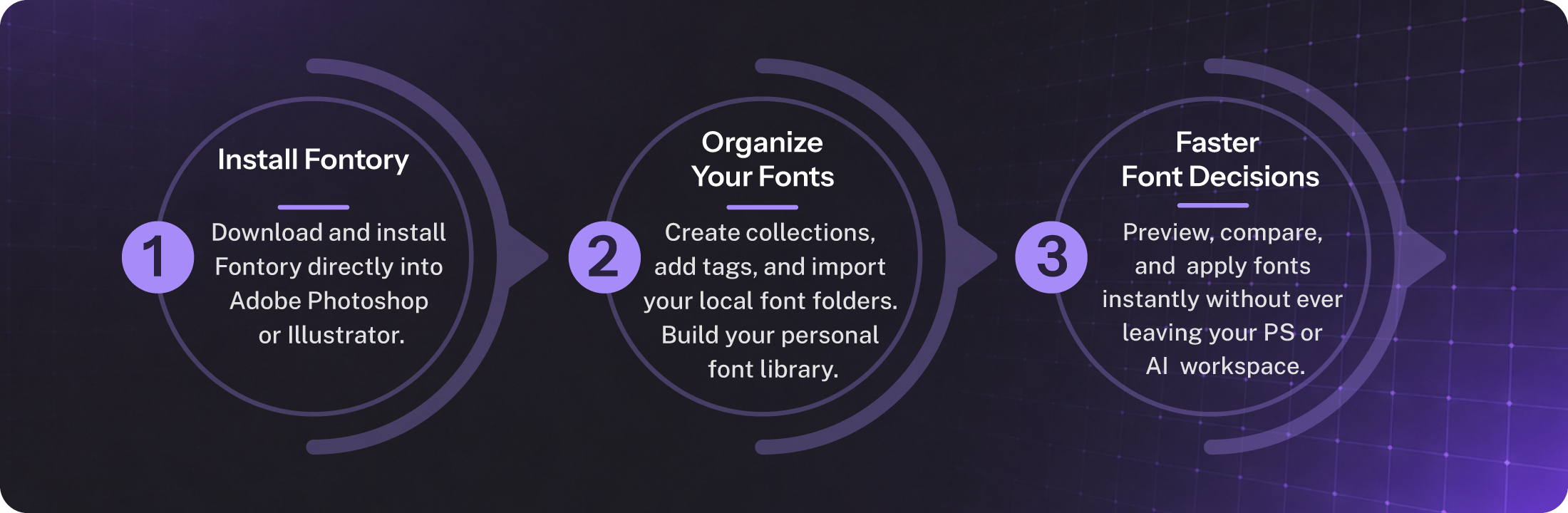
Fontory is a font workflow extension for Adobe Photoshop and Illustrator. It helps designers organize fonts, preview styles, compare options, save useful fonts, tag fonts, and make faster typography decisions.
Fontory is designed for Adobe Photoshop and Adobe Illustrator. You can choose the Photoshop version, the Illustrator version, or the Combo package if you want to use Fontory in both apps.
Yes. You can add local font folders and preview fonts before installing them. However, if a font is not installed, you cannot directly apply it to your selected text inside Photoshop or Illustrator. First preview the font, then install it if you want to use it in your design.
No. The Photoshop and Illustrator versions work separately. If you organize folder collections, saved styles, tags, or settings in Illustrator, they will not automatically appear in Photoshop. But you can export a backup from Illustrator and import that backup into Photoshop to merge your organized data. The same process also works from Photoshop to Illustrator.
Fontory gives access to 2000+ Google Fonts. You can browse them, preview how they look, and download the fonts you like. Downloaded Google Fonts are not installed automatically, so you still need to install them before applying them to your selected text.
Fontory can automatically detect installed Bangla fonts and move them into a Bangla font folder, so they do not stay mixed with the main All Fonts list. This helps keep Bangla design work more organized. Detection may not be 100% accurate for every font, so some Bangla fonts may remain in the main list. In that case, you can manually drag and drop the font family into the Bangla font folder.
Fontory uses a license system to activate access after purchase. For full details about payment, delivery, license activation, and package options, please check the Purchase FAQ.
Choose the Fontory package that fits your workflow — Photoshop, Illustrator, or Combo for both.
Works with Adobe Photoshop and Illustrator workflows.